How to Convert a Word Document to a Fillable PDF Form
First create a clean PDF from Word, then add real form fields, field names, tab order and accessibility information in a PDF form editor.
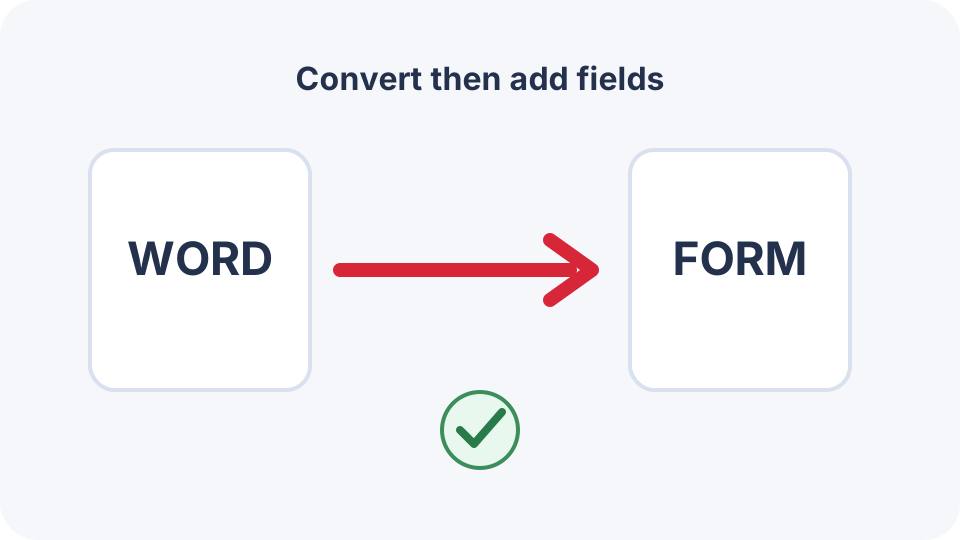
A Word document does not become a fillable PDF merely because it contains blank lines, boxes or content controls. The reliable workflow has two stages: create a stable PDF from the Word source, then add genuine PDF form fields in a form-authoring application.
Prepare the Word source
- Use clear labels beside every intended field.
- Leave enough space for realistic answers.
- Avoid using a long row of underscores as the only visual field boundary.
- Use tables carefully; they can help alignment but may complicate accessibility.
- Keep instructions outside the input area.
Stage 1: create the base PDF
Export directly from Word where possible. When Word is unavailable, use DocNimble Word to PDF and compare the result with the DOCX. Confirm page breaks, labels and blank areas before adding any form field.
Stage 2: add actual PDF form fields
- Open the base PDF in a form editor that supports AcroForm fields.
- Run automatic field detection only as a starting point.
- Add or correct text fields, checkboxes, radio buttons, drop-down lists and buttons.
- Give each field a unique, meaningful internal name.
- Set required status, character limits and validation only where necessary.
- Add tooltips or accessible descriptions.
- Set a logical tab order.
- Save a new form PDF rather than overwriting the base PDF.
Test the form like a recipient
- Complete it with keyboard navigation only.
- Save, close and reopen it to confirm values persist.
- Test in at least two PDF viewers because form support differs.
- Enter long, short and unexpected values.
- Check that required fields are understandable and not merely marked by colour.
- Print or flatten a completed test copy when that is part of the real workflow.
Important limitation
DocNimble v2.1.5 converts DOCX to a normal PDF. It does not claim to create interactive form fields automatically. A dedicated form editor is required after conversion.
Frequently asked questions
Do Word content controls become PDF fields?
Not reliably through a standard PDF export. Treat field creation as a separate form-authoring step.
Can I make a fillable PDF for free?
Some desktop and web tools can add basic fields, but verify privacy, export limits, field compatibility and licensing before uploading sensitive forms.
What is the difference between a blank line and a form field?
A blank line is page content. A PDF form field is an interactive object with a name, type, value and behaviour.