 PDF privacy
Aadhaar and PAN Document Privacy Workflow for Online Submissions
Reduce unnecessary exposure when preparing Aadhaar, PAN and other identity documents for a legitimate online submission.
Step-by-step guides for PDF, image and document tasks, each linked to the DocNimble tool that does the job.
 PDF privacy
Reduce unnecessary exposure when preparing Aadhaar, PAN and other identity documents for a legitimate online submission.
 India submission workflows
Diagnose common PDF rejection causes before repeatedly recompressing an exam-form document and making it unreadable.
 India submission workflows
Use a repeatable checklist before uploading identity, education, employment or supporting documents to an Indian government or public-service portal.
 AI document tools
Turn extractable PDF text into cleaner Markdown headings, lists and simple tables while preserving the source meaning rather than inventing structure.
 AI document tools
Ask one bounded question about extracted document text and require the model to say when the answer is not supported by the provided text.
 AI document tools
Generate a concise working summary from extractable PDF text using the configured private Ollama model, with explicit limits on grounding and review.
 Advanced PDF tools
Recover embedded image objects from a PDF into a ZIP archive instead of rasterising whole pages when you need the stored graphics themselves.
 Advanced conversions
Render an uploaded HTML file to PDF using the worker's office rendering path when a browser print workflow is not suitable.
 Advanced PDF tools
Generate a PDF/A-oriented copy for archival workflows, then validate it with the organisation or validator that defines your actual preservation requirement.
 Advanced conversions
Turn each PDF page into a slide image so the page appearance is preserved even though the content is not reconstructed as editable PowerPoint shapes.
 Advanced conversions
Create a best-effort spreadsheet from text rows in a PDF when you need editable cells for review rather than a pixel-perfect replica.
 Advanced conversions
Create an editable DOCX representation from extractable PDF text while understanding that PDF is a fixed-layout format, not a Word source file.
 PDF organisation
Arrange two or four source pages on each output sheet, or impose a simple booklet sequence for duplex printing.
 PDF analysis
Render two PDF versions page by page and measure pixel differences without uploading either source document.
 PDF privacy
Create a sharing copy where a selected region is burned into rendered page pixels instead of merely covered by a removable annotation.
 PDF editing
Place typed text or a visible signature image on a chosen PDF page when the recipient accepts a flattened visual mark rather than a certificate-based digital signature.
 PDF privacy
Remove encryption from a PDF you are authorised to open so it can be used in a workflow that rejects encrypted files.
 PDF privacy
Create an encrypted sharing copy when password protection is appropriate and the recipient has a safe way to receive the password separately.
 India submission workflows
Assemble marksheets, degree certificates, identity documents and supporting images in a deliberate order before a recruitment, education or government submission.
 India submission workflows
Use measured output bytes rather than a vague quality slider when a form or upload portal enforces a hard file-size ceiling.
 Document Conversion
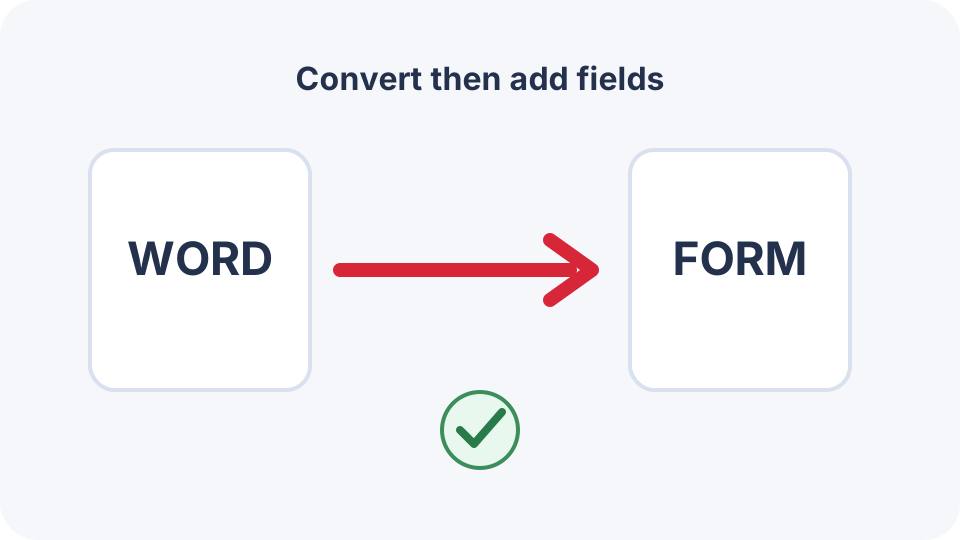
First create a clean PDF from Word, then add real form fields, field names, tab order and accessibility information in a PDF form editor.
 Document Conversion
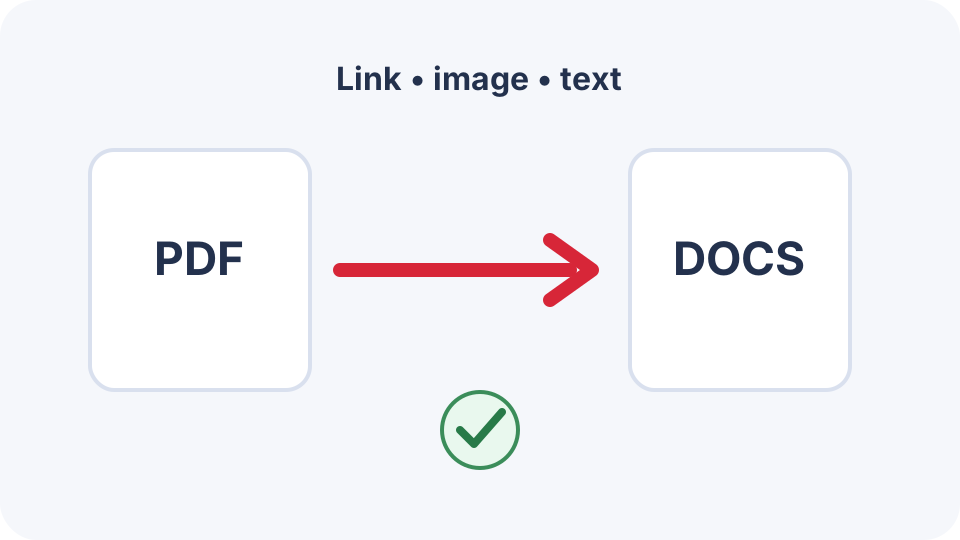
Google Docs does not behave like a file container for a complete PDF. Use a Drive link, page images or converted text according to the document’s purpose.
 Document Conversion
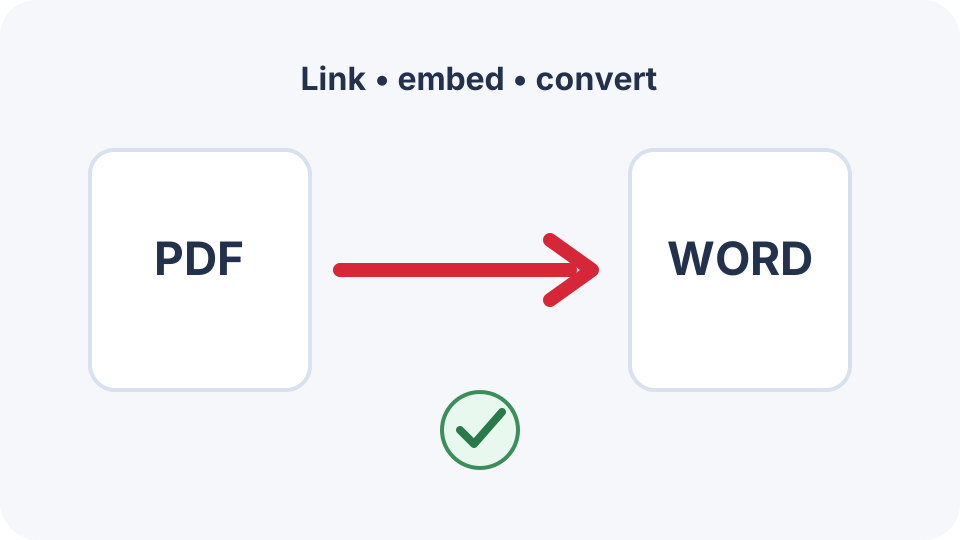
Choose between a clickable link, an embedded file icon, page images or editable converted text based on what the recipient actually needs.
 Document Conversion
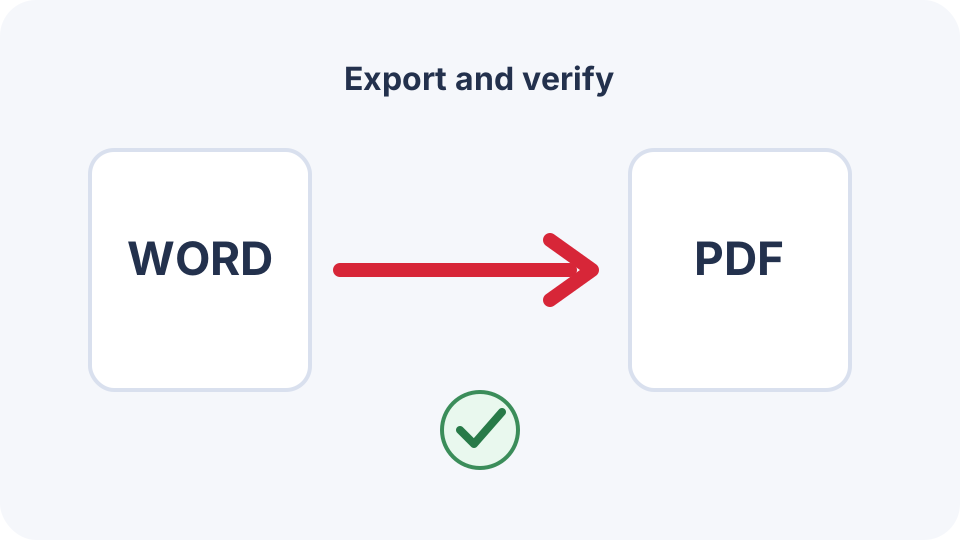
Use Word’s own export controls when available, or use a secure conversion workflow when you only have a DOCX file and need a verified PDF copy.
 Workflows
Upload DOCX to Google Drive, check conversion fidelity, and protect the original file.
 Document Conversion
Download a Google Doc as PDF, use the print route for large files when needed, and verify links, page breaks, images and comments before sharing.
 Image Optimisation
Use X, Y, width and height values to remove borders and focus on the required area.
 Image Optimisation
Calculate sensible dimensions, avoid stretching, and verify resized text and details.
 Image Optimisation
Choose an image format based on transparency, compatibility, and file-size needs.
 Image Optimisation
Choose format and quality settings for smaller images while preserving readable detail.
 Document Conversion
Prepare a small CSV table for PDF export without clipped columns or unreadable values.
 Document Conversion
Convert SVG artwork to PDF while understanding page size, transparency, fonts, and rasterisation.
 Document Conversion
Extract text from text-based PDFs, recognise layout limitations, and know when OCR is required.
 Document Conversion
Create a clean, paginated PDF from plain text directly in your browser.
 Document Conversion
Combine photos into a PDF in the correct order and avoid oversized, unreadable results.
 Document Conversion
Render PDF pages as PNG or JPEG images with sensible scale and quality choices.
 Privacy
Clear common title, author, subject, keyword, and creator metadata while understanding what sanitising cannot guarantee.
 PDF Editing
Trim excessive PDF margins with point-based controls while avoiding clipped text and signatures.
 PDF Editing
Apply a readable watermark without making the underlying document unusable.
 PDF Editing
Number PDF pages with a chosen start number and position, then verify readability and margins.
 PDF Organisation
Correct sideways and upside-down PDF pages while keeping the original scan quality.
 PDF Organisation
Fix scan order and assemble a logical PDF sequence using an explicit page map.
 PDF Organisation
Delete blank, duplicate, outdated, or confidential pages and verify the remaining PDF.
 PDF Organisation
Create a smaller PDF from selected pages while preserving the original document.
 PDF Organisation
Learn how to extract exact PDF page ranges, avoid off-by-one errors, and verify the downloaded result.
 PDF Organisation
A practical workflow for combining PDFs in the right order while keeping sensitive files on your device.