How to Insert a PDF into Google Docs Without Losing the Original
Google Docs does not behave like a file container for a complete PDF. Use a Drive link, page images or converted text according to the document’s purpose.
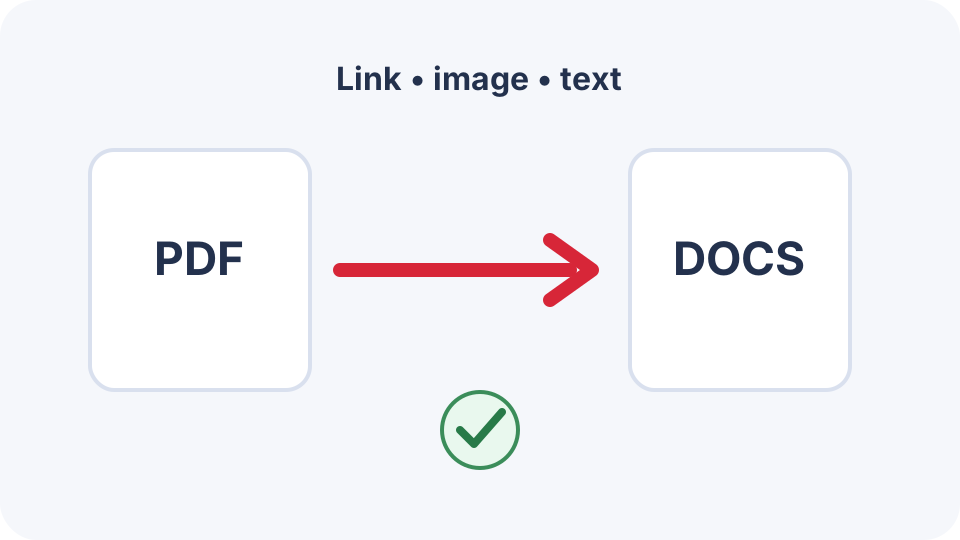
Google Docs is a collaborative word processor, not a general PDF container. The practical choices are to link the PDF stored in Drive, insert rendered page images, or open/convert the PDF so its text can be edited. Each method preserves different things.
Option 1: link to the PDF in Google Drive
- Upload the PDF to Drive.
- Set the sharing permission deliberately; avoid “anyone with the link” for confidential files.
- Copy the Drive link.
- In the Google Doc, select descriptive text and add the link.
- Test access in a private browser window or with a recipient-level account.
This is the best choice when the original PDF must remain intact, searchable and downloadable.
Option 2: insert selected PDF pages as images
Use PDF to Images to render only the pages that need to appear in the document. Insert those PNG or JPEG files through the Google Docs image menu. The visible layout is predictable, but the text inside the image is not normal editable document text.
Option 3: convert the PDF into editable text
Drive and Google Docs can attempt to open many PDFs as documents, and DocNimble PDF to Text can extract an existing text layer locally in the browser. Scanned PDFs require OCR instead. Columns, tables and reading order may need substantial correction.
What Google Docs will not preserve automatically
- PDF form fields and their behaviour.
- Digital-signature validity.
- Exact page geometry after text conversion.
- Attachments, layers, scripts or multimedia.
- Guaranteed accessibility structure.
A reliable appendix workflow
- Keep the original PDF in Drive with controlled access.
- Add a descriptive link in the main Google Doc.
- Insert only the key PDF pages as images when readers need an immediate preview.
- Add a caption stating that the linked PDF is the authoritative file.
- Export the finished Google Doc to PDF and verify that the link and page images remain usable.
Frequently asked questions
Can I embed a whole PDF inside Google Docs?
Google Docs does not provide the same embedded-object workflow as desktop Word. A Drive link is usually the most reliable way to preserve the complete file.
Can I make PDF text editable in Google Docs?
You can convert or extract text, but formatting and reading order may change. Scanned pages need OCR.
Will a linked PDF be included when I export the Google Doc?
The hyperlink can remain clickable, but the PDF file itself is not merged into the exported document unless you separately add its pages.